
Core Concepts
Before you start using Butter, it's helpful to understand these key concepts. Don't worry — they're simpler than they might seem!
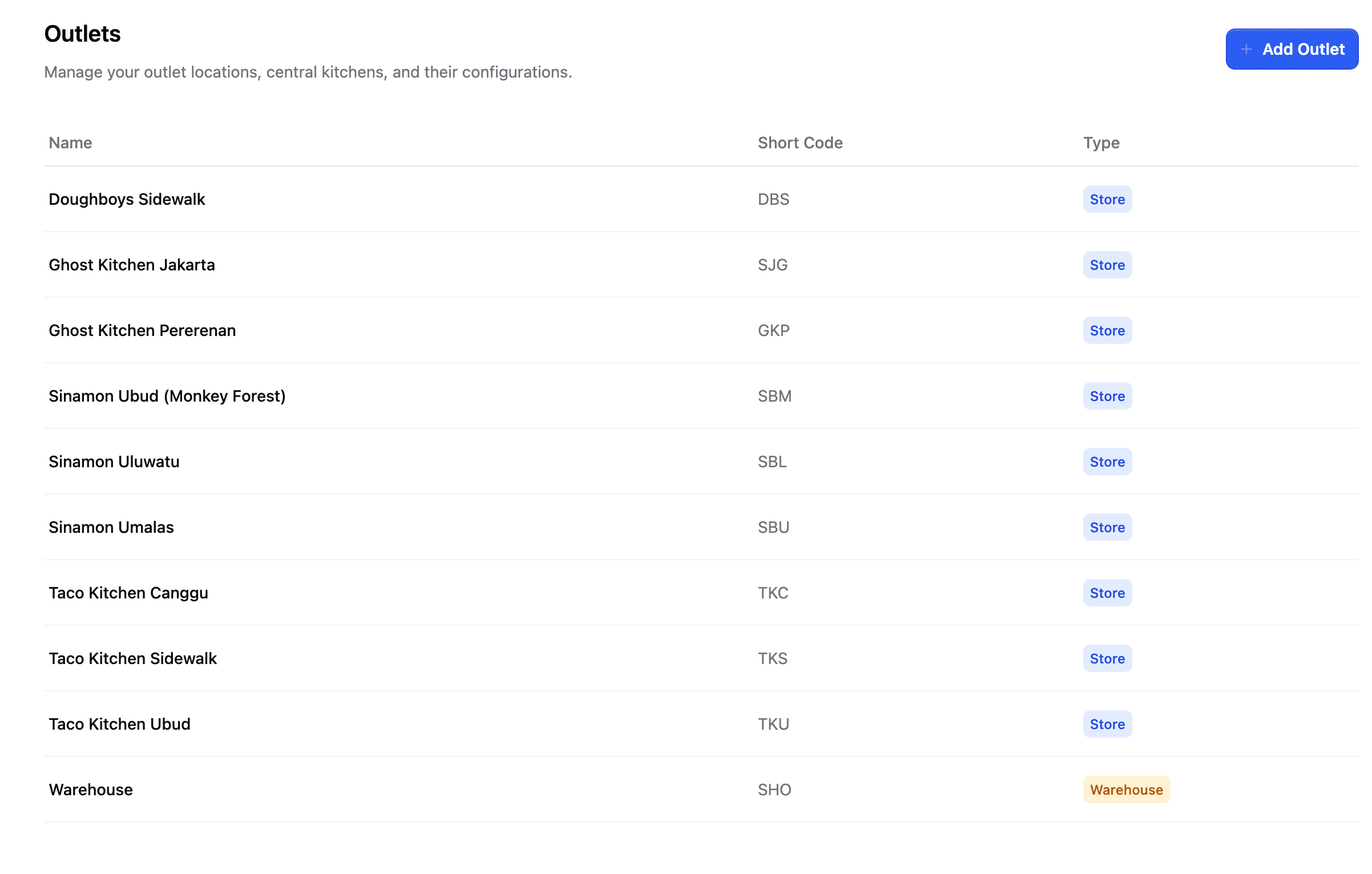
Outlets
An outlet is a location in your business. There are two types:
Store
A physical store where you sell to customers. This is where the magic happens!
Warehouse
An internal location used as a distribution warehouse or central kitchen.
Stores can order supplies from external suppliers, and they can also order from warehouse outlets (like your central kitchen).
Inventory Items
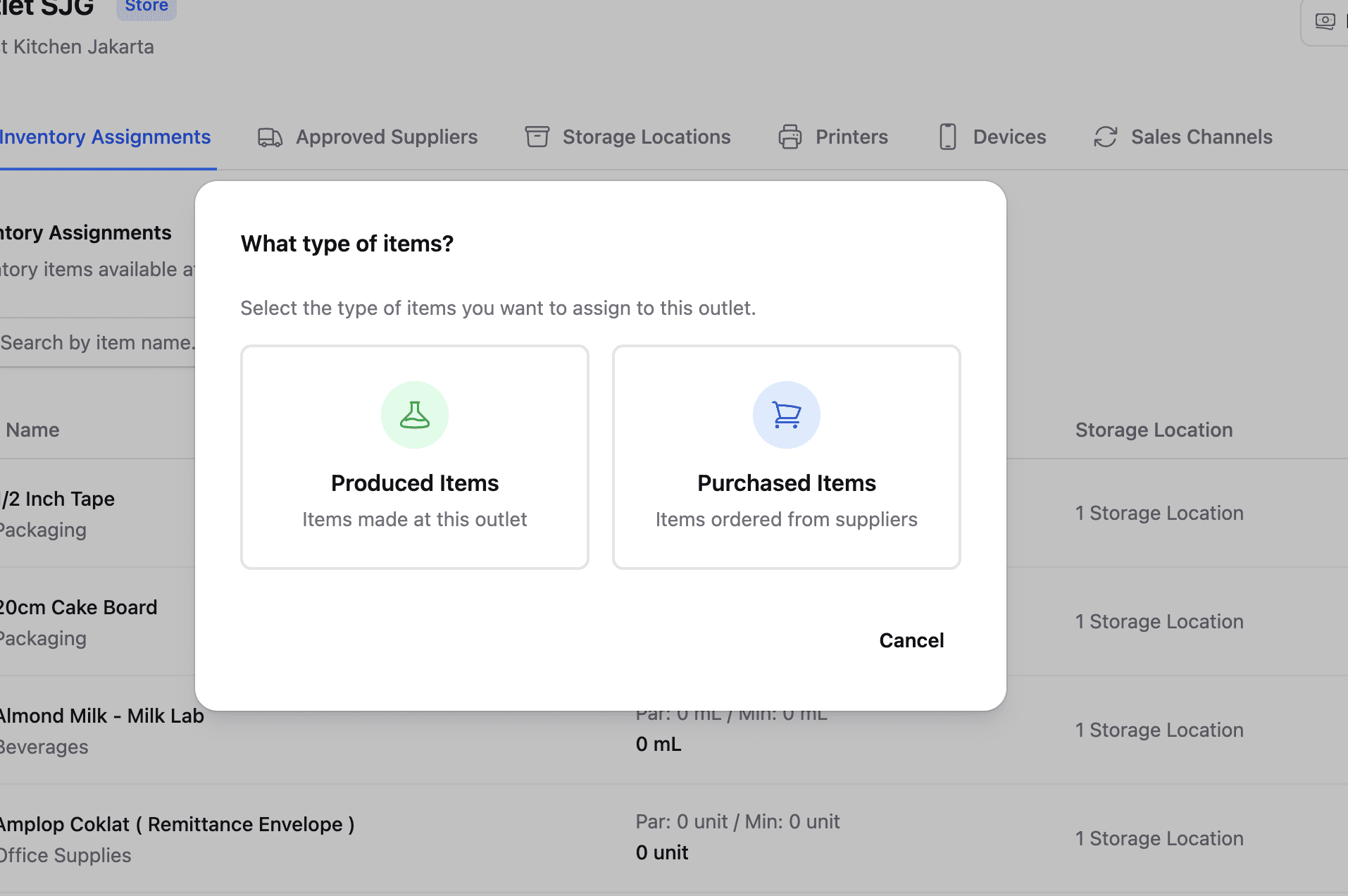
Inventory items are all the things you need to make the products you sell. There are two types:
Purchased Items
Things you buy directly from suppliers:
- Raw materials like flour, sugar, eggs
- Ready-to-sell items like cans of Coca-Cola
- Packaging materials
Produced Items
Things you make yourself using purchased items:
- Pizza doughballs
- Cinnamon roll icing
- Pre-prepared sauces
Think of it this way: You buy flour (purchased item), and you use it to make pizza doughballs (produced item), which you then use to make pizzas (products).
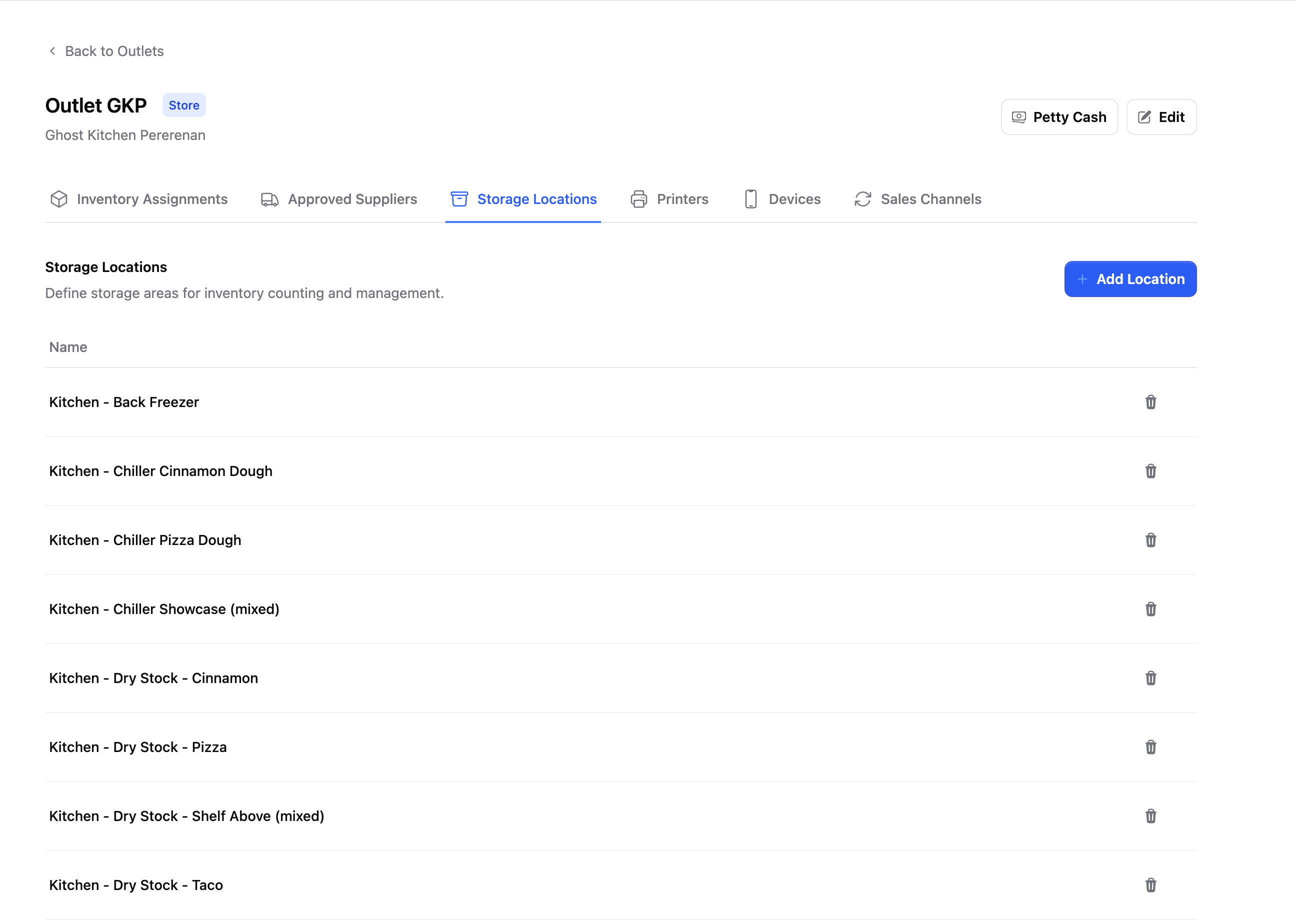
Storage Locations
Storage locations are the specific places in your outlet where you keep inventory items:
- Walk-in freezer
- Dry storage room
- Under-counter refrigerator
- Display case
Each inventory item is assigned to one or more storage locations. This helps you:
- Know exactly where to find things
- Organize your stock counts by area
- Keep items in their proper place when received
Stock Counts
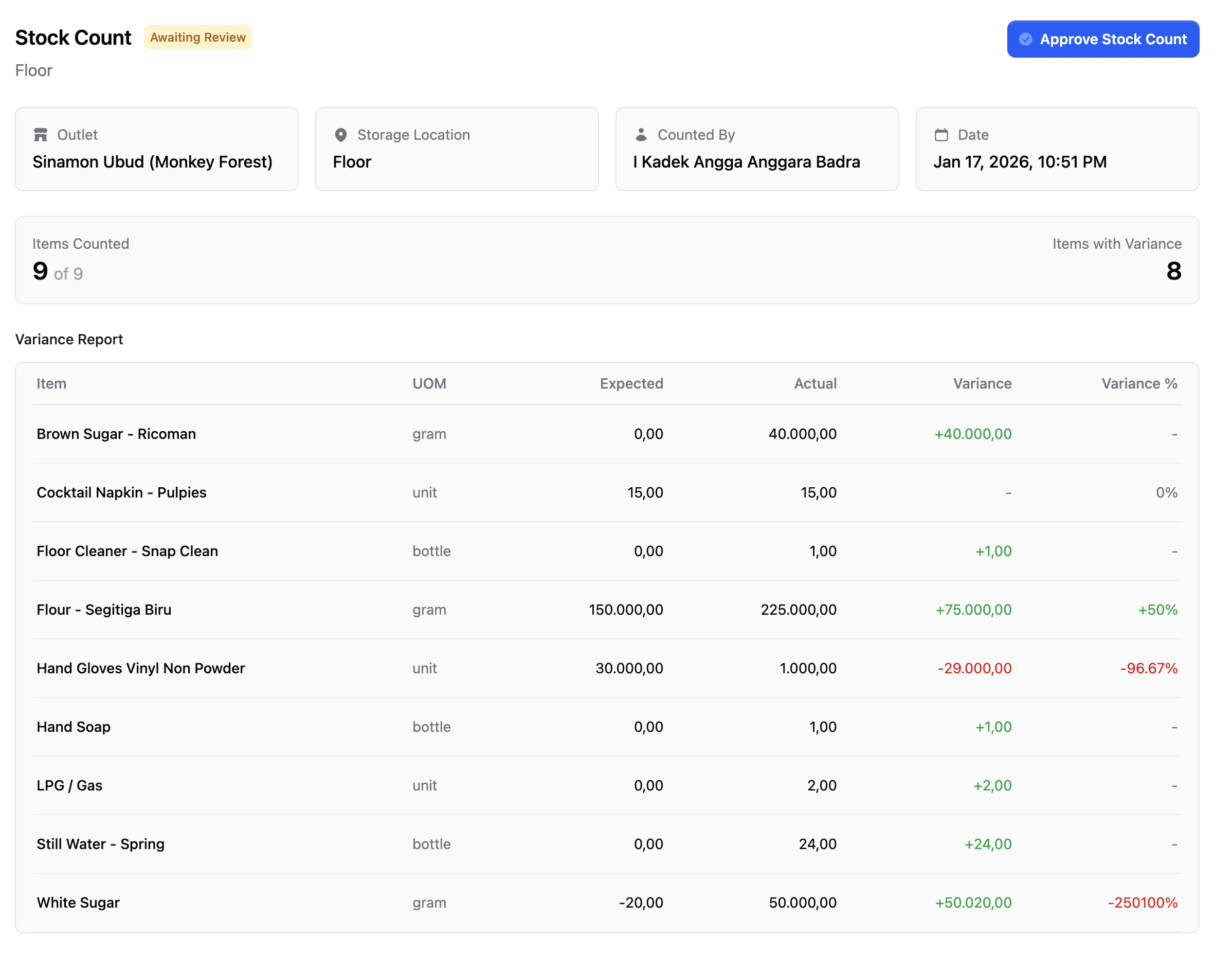
A stock count (sometimes called "stock opname") is when you physically count the inventory items at your outlet.
Stock counts are done per storage location. For example:
- Count everything in the walk-in freezer
- Count everything in dry storage
- Count everything in the refrigerator
This keeps the task manageable and ensures accuracy.
Suppliers
Suppliers are the companies you order inventory items from. There are two types:
- External Suppliers — Outside companies that deliver products to you
- Internal Suppliers — Your own warehouses or central kitchen
When you need to order supplies, you'll choose which supplier to order from based on what items you need.
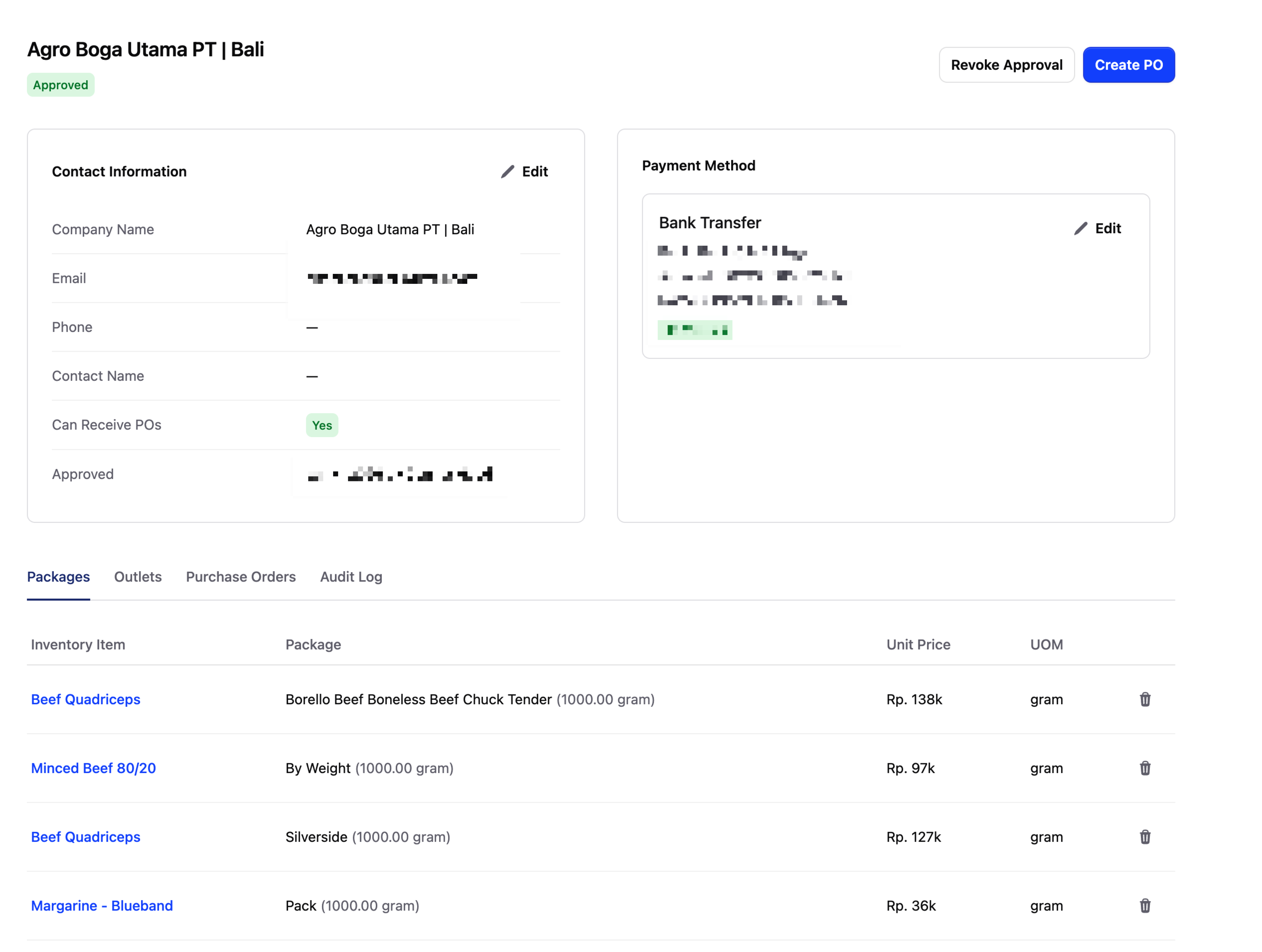
Purchase Orders
A purchase order (PO) is a request to order inventory items from a supplier.
When you create a PO:
- Select which supplier you're ordering from
- Choose the items you need and quantities
- Submit the order
The supplier then receives your order and prepares to deliver it.
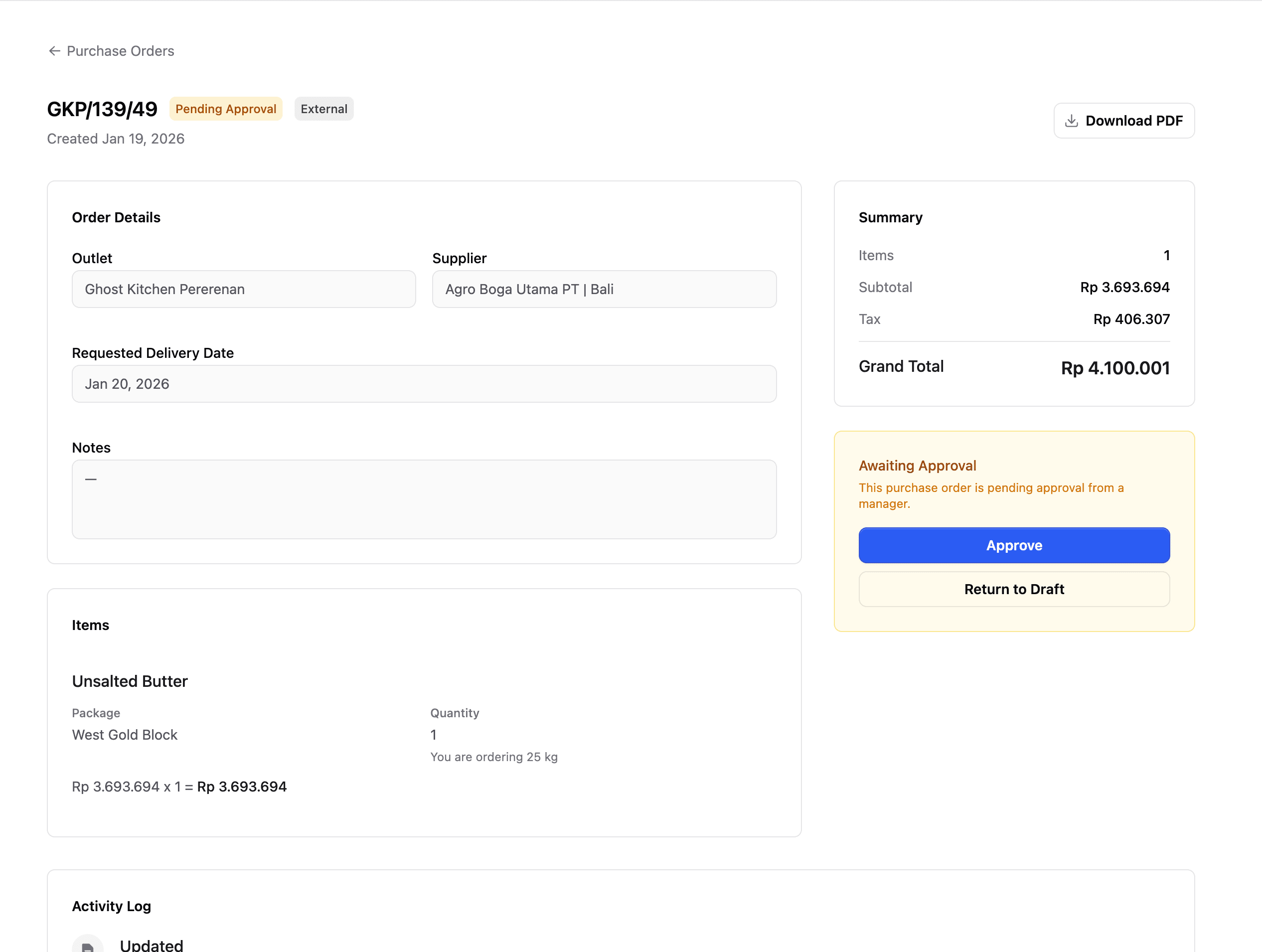
Receiving Orders
When a supplier delivers your purchase order, you need to receive it in Butter.
This process:
- Confirms what was actually delivered
- Notes any differences from what was ordered
- Automatically updates your inventory levels
Always receive orders promptly so your stock levels stay accurate!
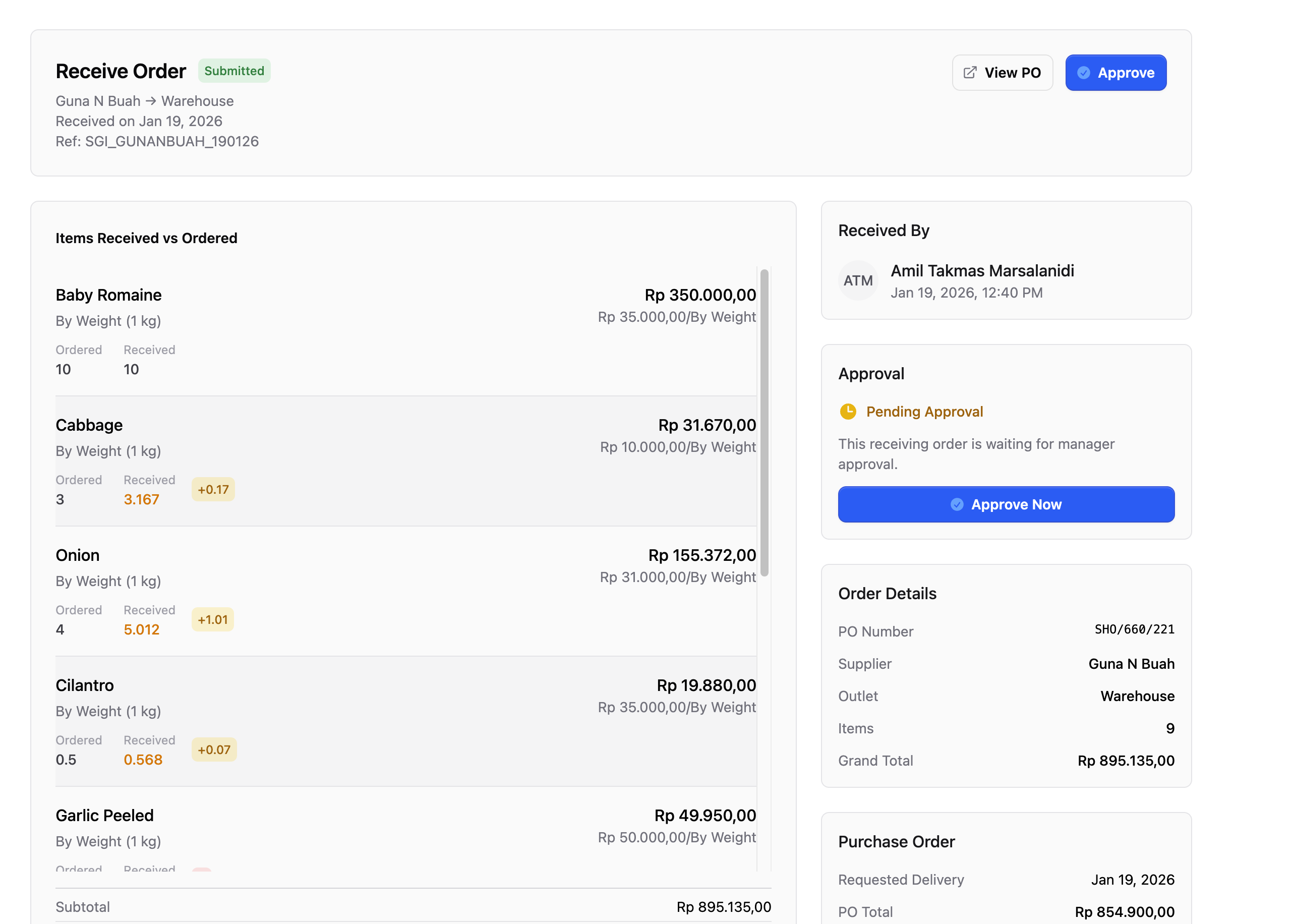
Production Logs
A production log records when you make produced items at your outlet.
For example, if your team makes 20 pizza doughballs in the morning:
- Create a production log
- Select "Pizza Doughball" as the item
- Enter quantity: 20
This increases your inventory of pizza doughballs so the system knows they're available to use.
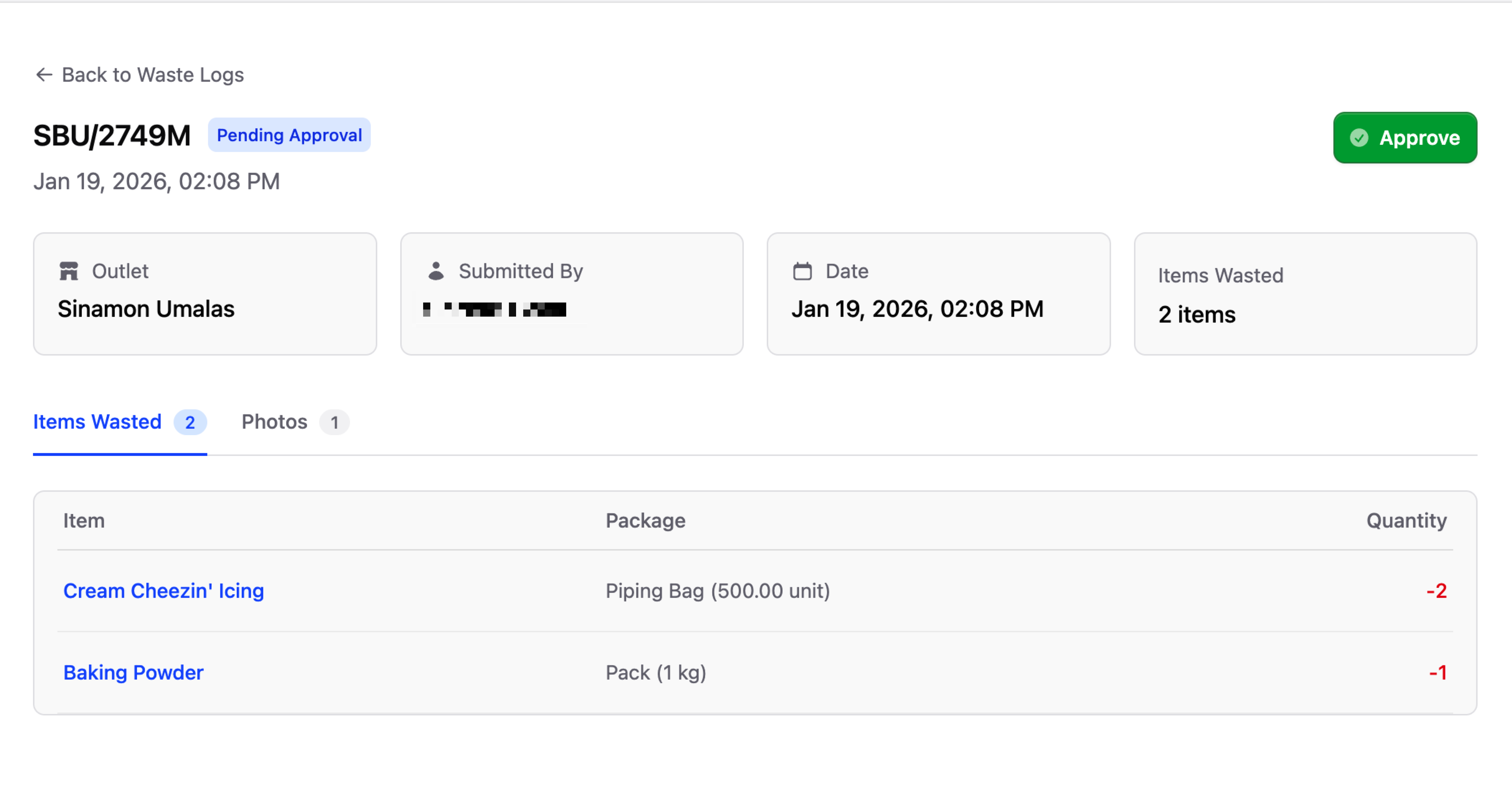
Waste Logs
A waste log is the opposite of a production log. It records when inventory is lost due to:
- Food waste (expired, spoiled)
- Damaged products
- Spills or accidents
Recording waste helps you:
- Keep inventory accurate
- Track patterns in waste
- Identify areas for improvement
Products
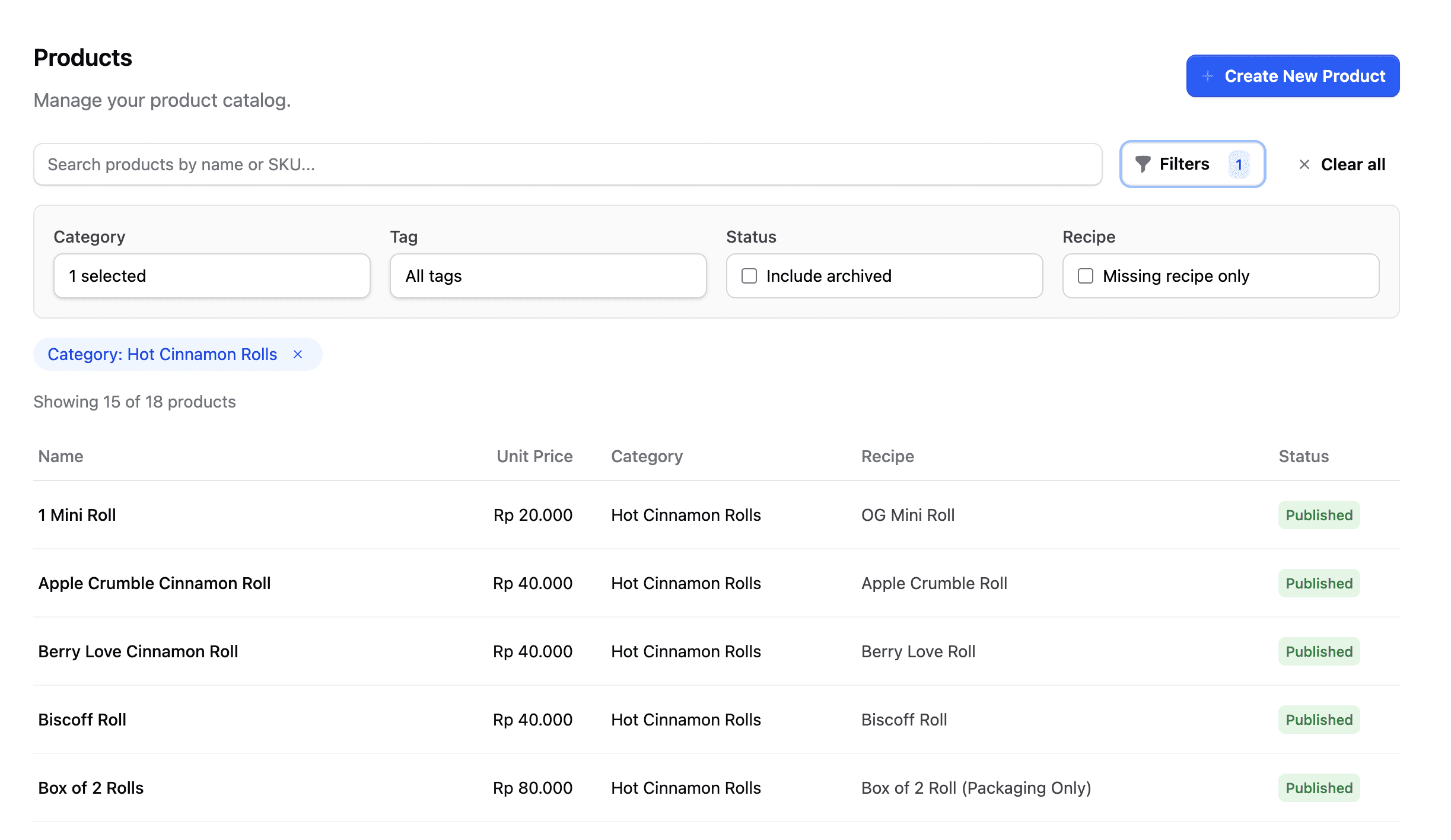
Products are the finished items you sell to customers:
- Box of 2 Cinnamon Rolls
- Pepperoni Pizza
- Crunchy Chicken Taco
- Large Coffee
Each product has a recipe attached to it, so Butter knows which inventory items to deduct when the product is sold.
Modifiers
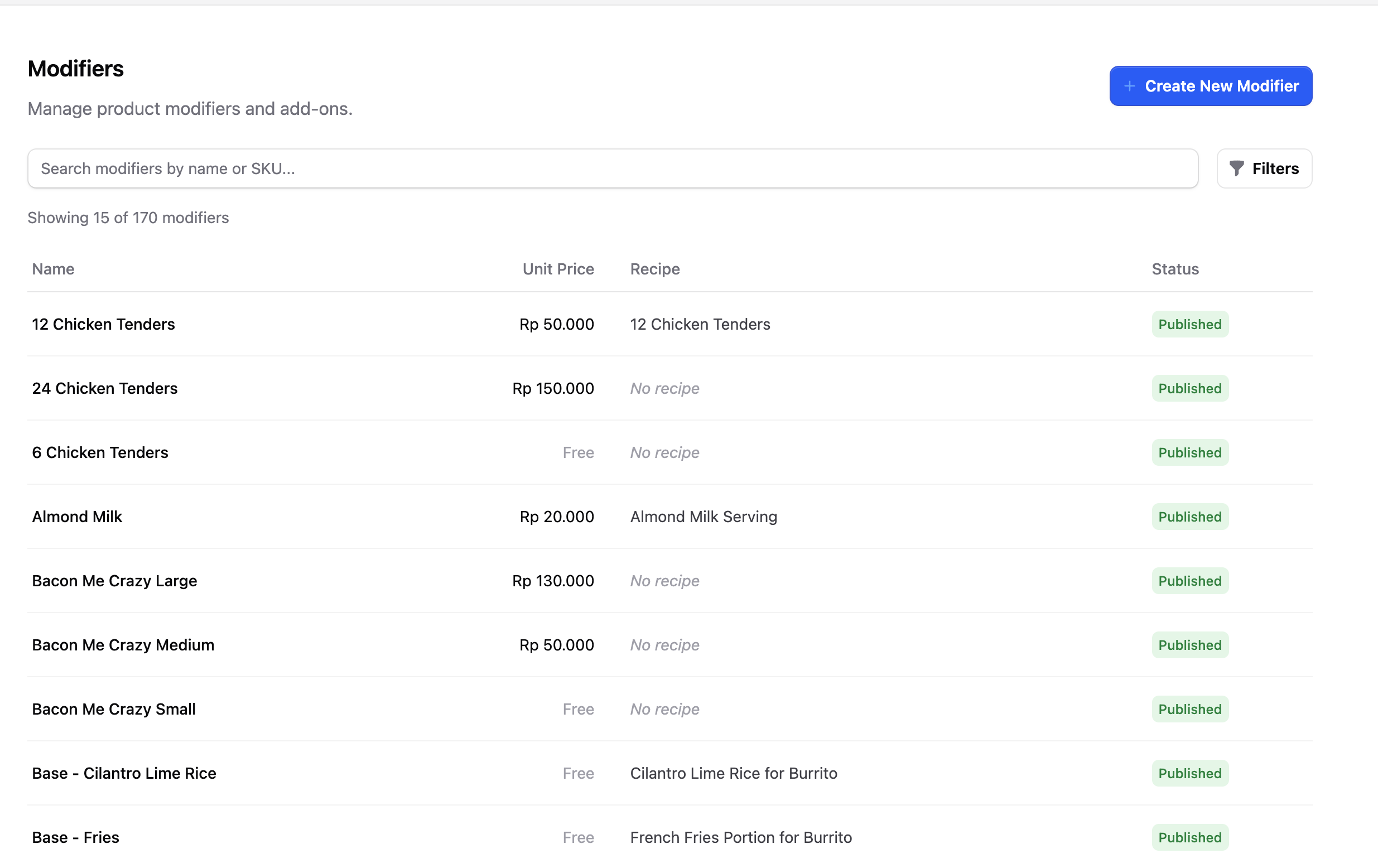
Modifiers are add-ons or changes that customers can make to products:
- Extra cheese on a pizza
- No onions on a burger
- Add whipped cream to a drink
Modifiers also have recipes, so when a customer orders "Extra Cheese," Butter knows how much cheese to deduct from inventory.
The key difference: Products can be ordered directly, but modifiers can only be added to a product.
Recipes
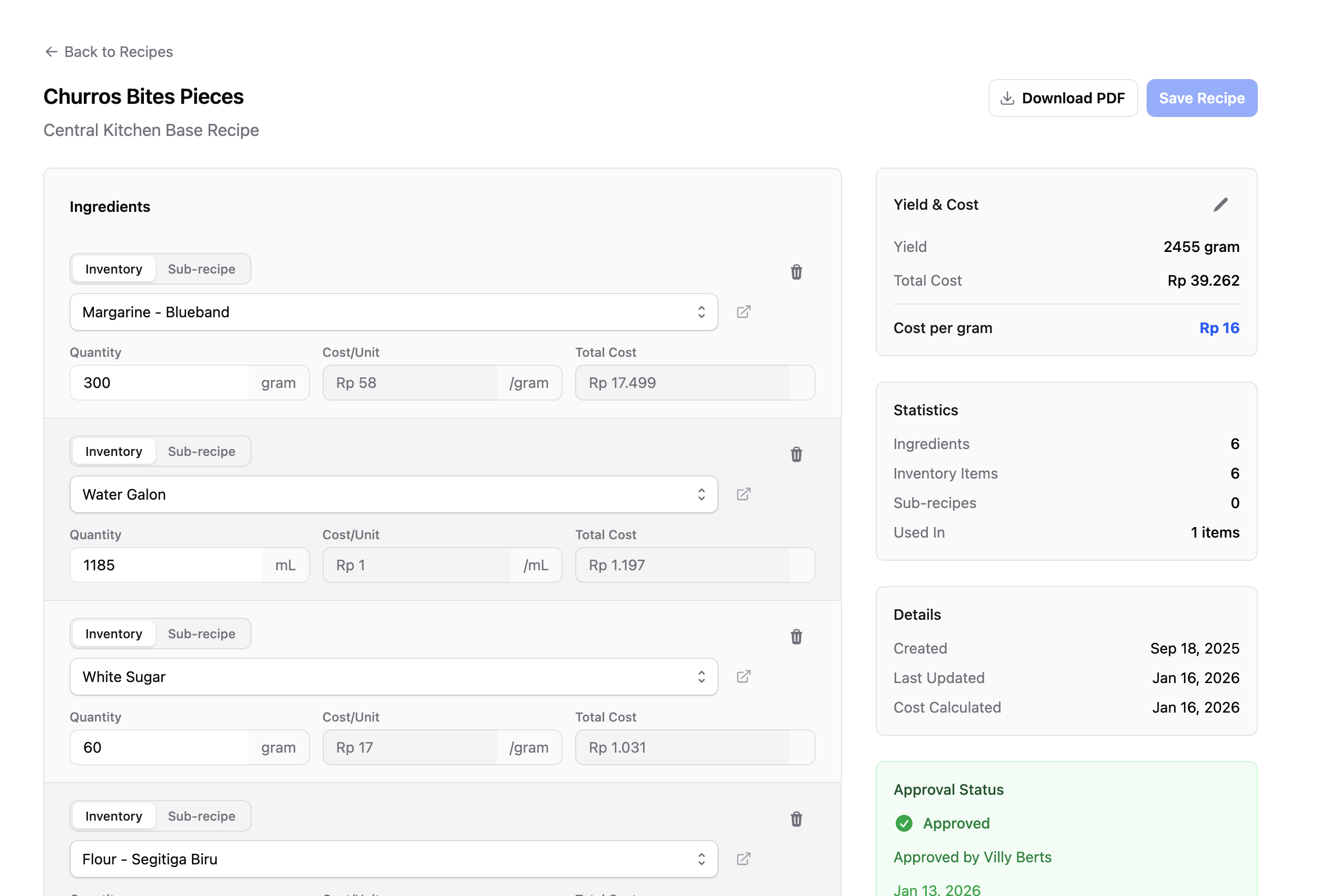
Recipes tell Butter which inventory items (and how much) are used to make each product or modifier.
For example, a Cheese Pizza recipe might include:
- 1 pizza doughball
- 100g tomato sauce
- 150g mozzarella cheese
When a customer orders a Cheese Pizza, Butter automatically deducts these amounts from your inventory.
Recipes are crucial! Every product and modifier needs a recipe for the inventory system to work correctly. Please note that outlet managers are not responsible for managing and maintaining recipes. The recipe setup and management will be handled by the backoffice team.
Key recipe concepts:
- Sub-recipes — A recipe can include other recipes (we'll cover this in person)
- Produced item recipes — Recipes for items you make, like doughballs
- Simple recipes — For items sold as-is, like a can of Coca-Cola
Menus
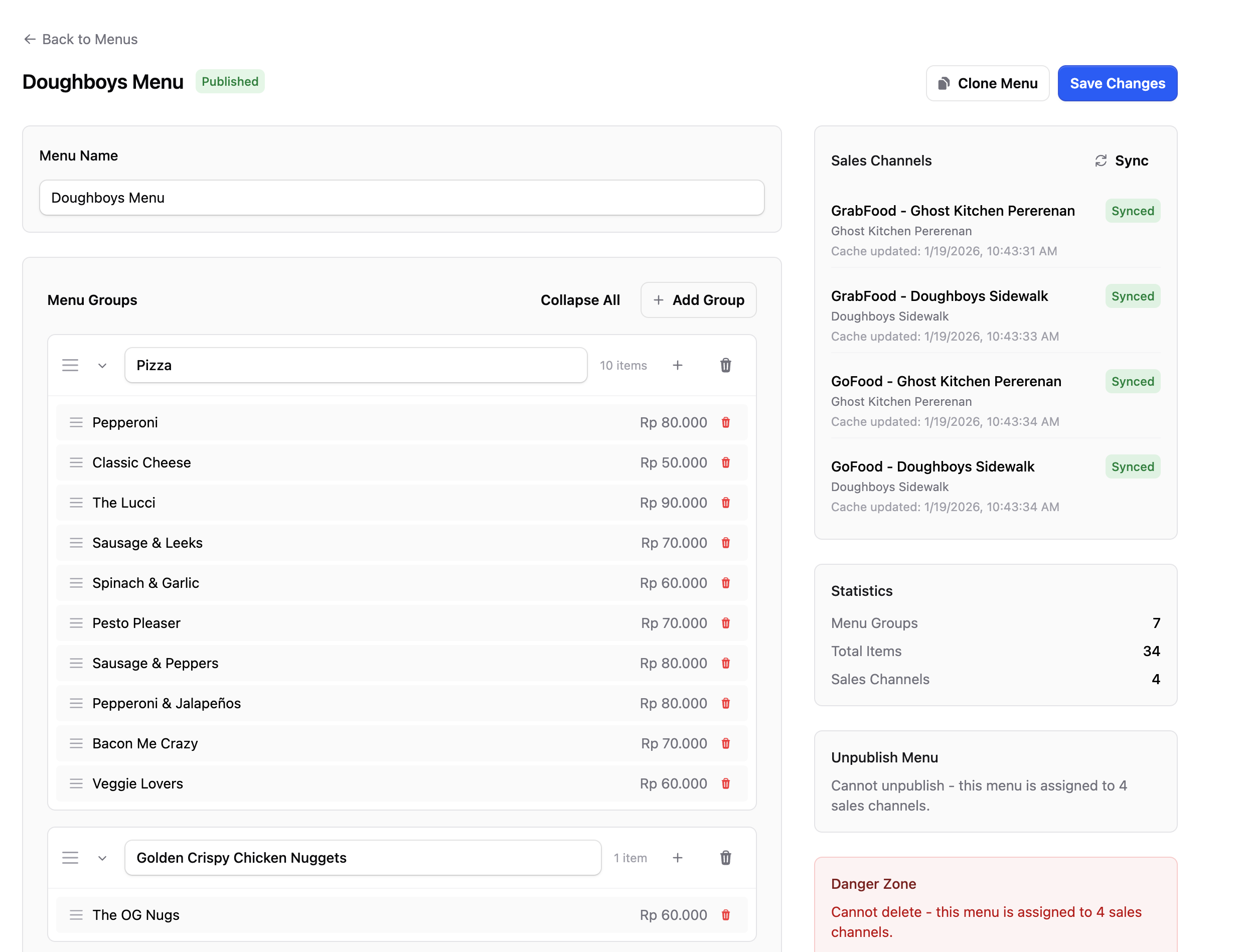
Menus are collections of products and modifiers that customers can order from.
Your menus automatically sync to all your sales channels:
- Grab
- GoFood
- Point of Sale
- Online Ordering
When you update a menu in Butter, the changes appear everywhere!
Orders
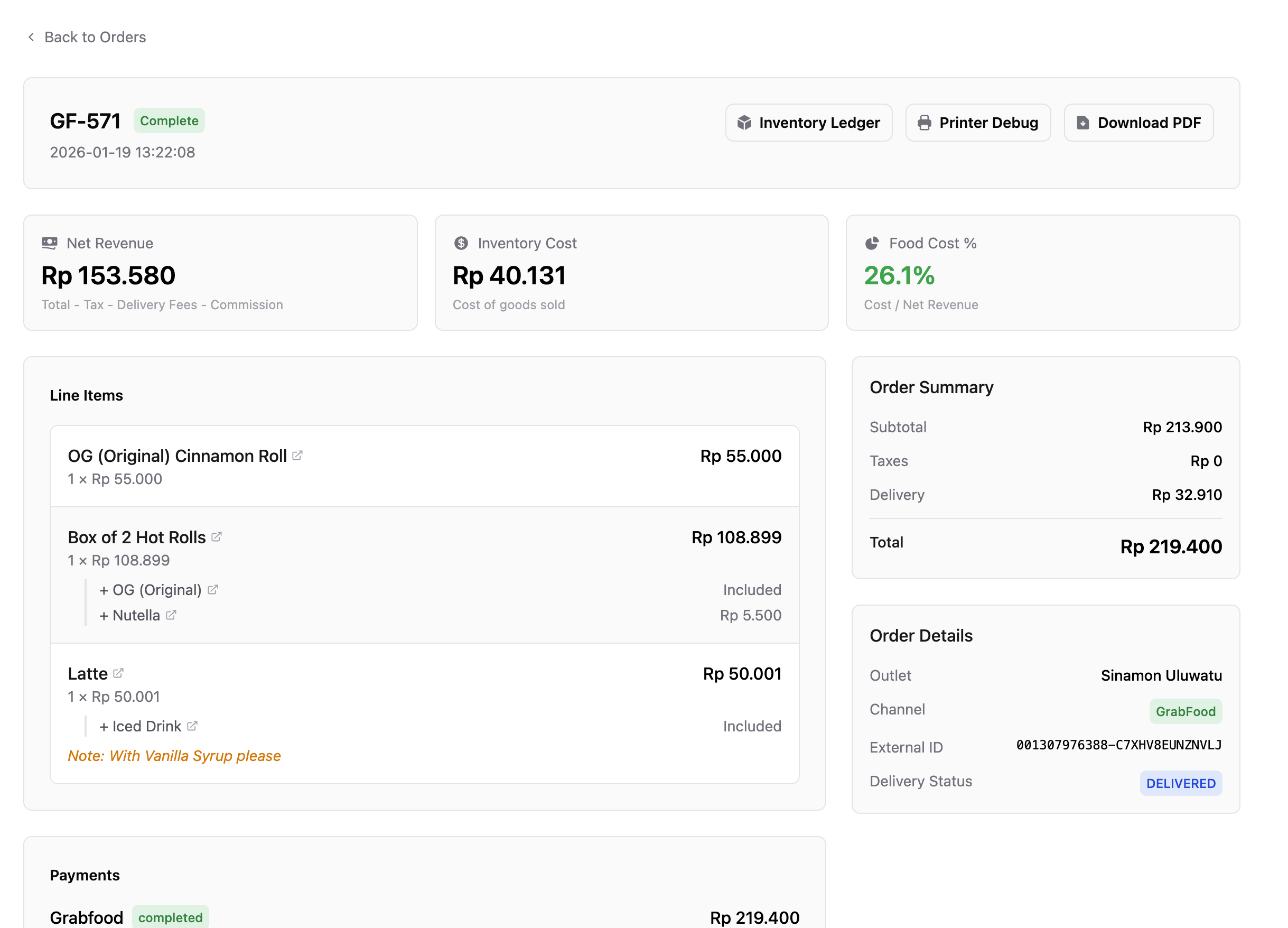
An order represents what a customer bought from your outlet. It includes:
- The products they ordered
- Any modifiers they added
- Discounts applied
- Payment information
When an order is completed, Butter automatically:
- Deducts inventory based on the recipes
- Updates your stock levels
- Records the sale
What's Next?
Now that you understand the core concepts, you're ready to set up your outlet!